I’ve been using Eclipse for java development for years. And I use vscode for React development. I naturally switch between them depends on what project I work on. Recently I had some trouble using Eclipse for a project. Then I was wondering, can I also use vscode for my java projects? I do like vscode, it’s simple and it’s fast. I also like the way it updates itself. Not like Eclipse I have to install another new version. I googled a bit and it’s really simple to set it up for java project.
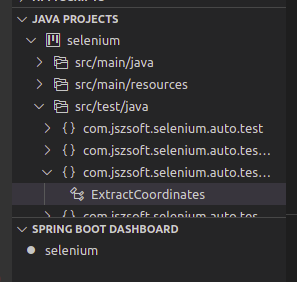
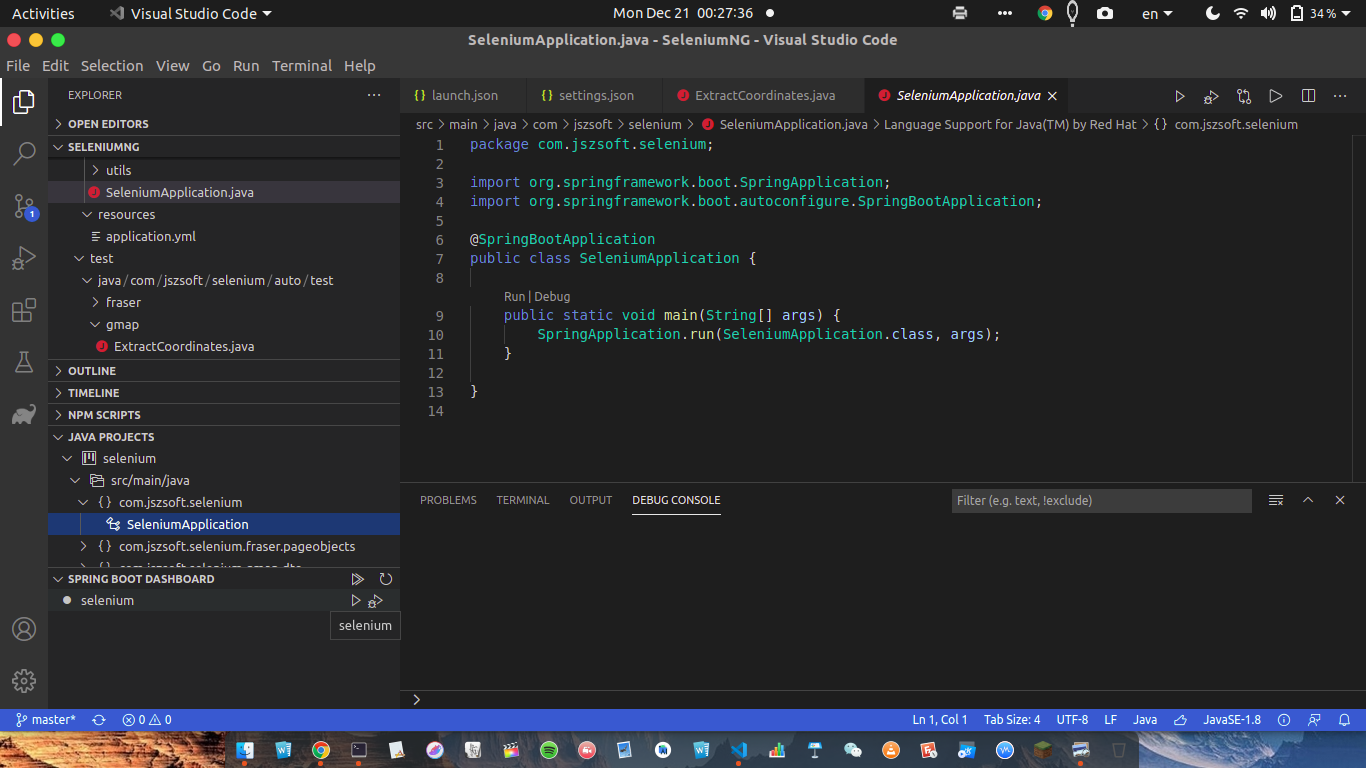
Here it’s the screenshot of a java project in vscoe after the setup.
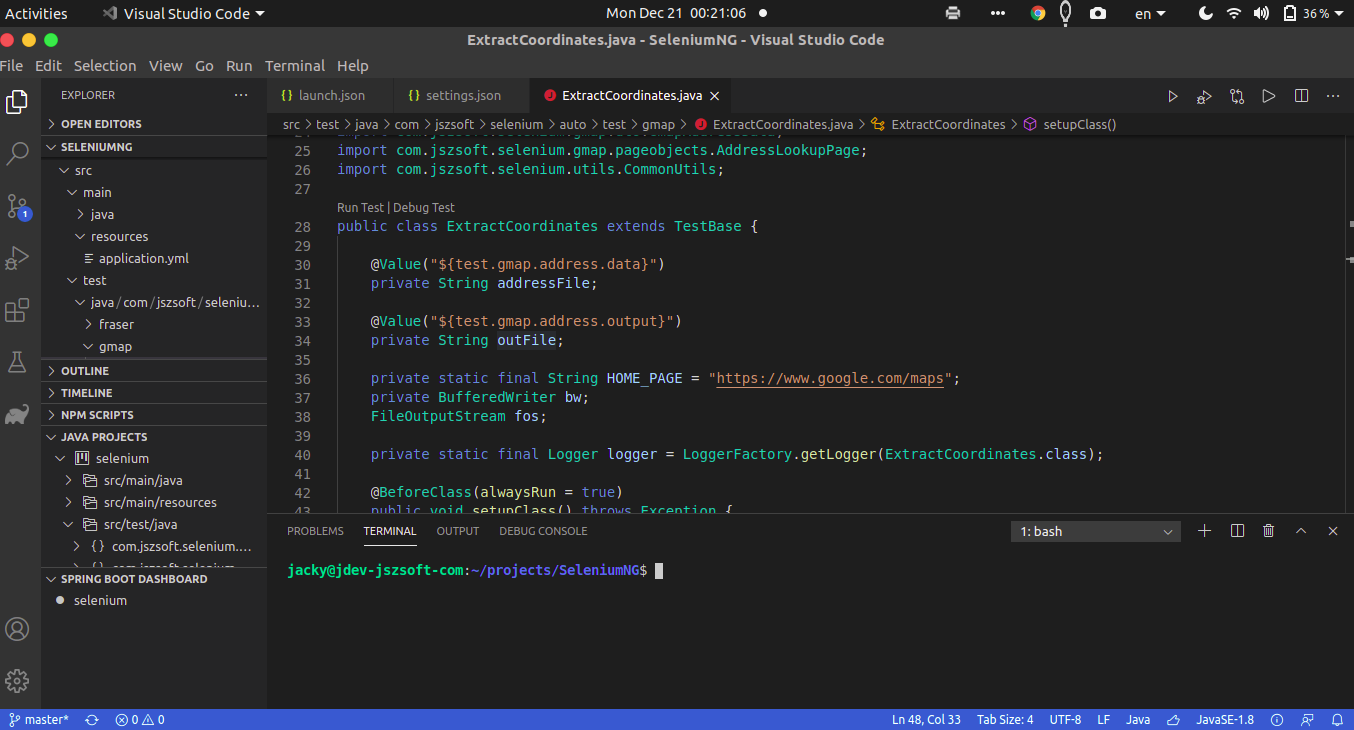
First you need to install JDK 11 or plus. Depends on different operating system, the way to install is different. You can install either openJDK or Oracle JDK.
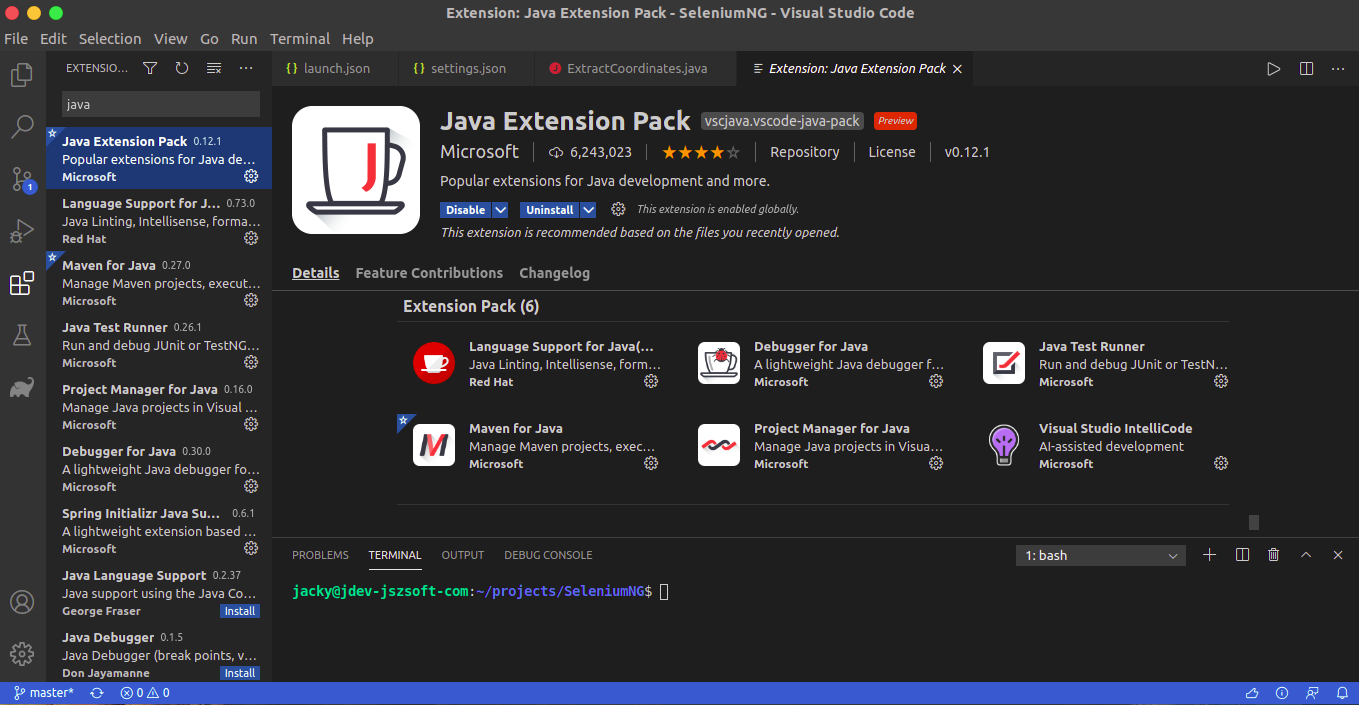
Now we can start installing extensions. The first one it’s the Java Extension Pack.
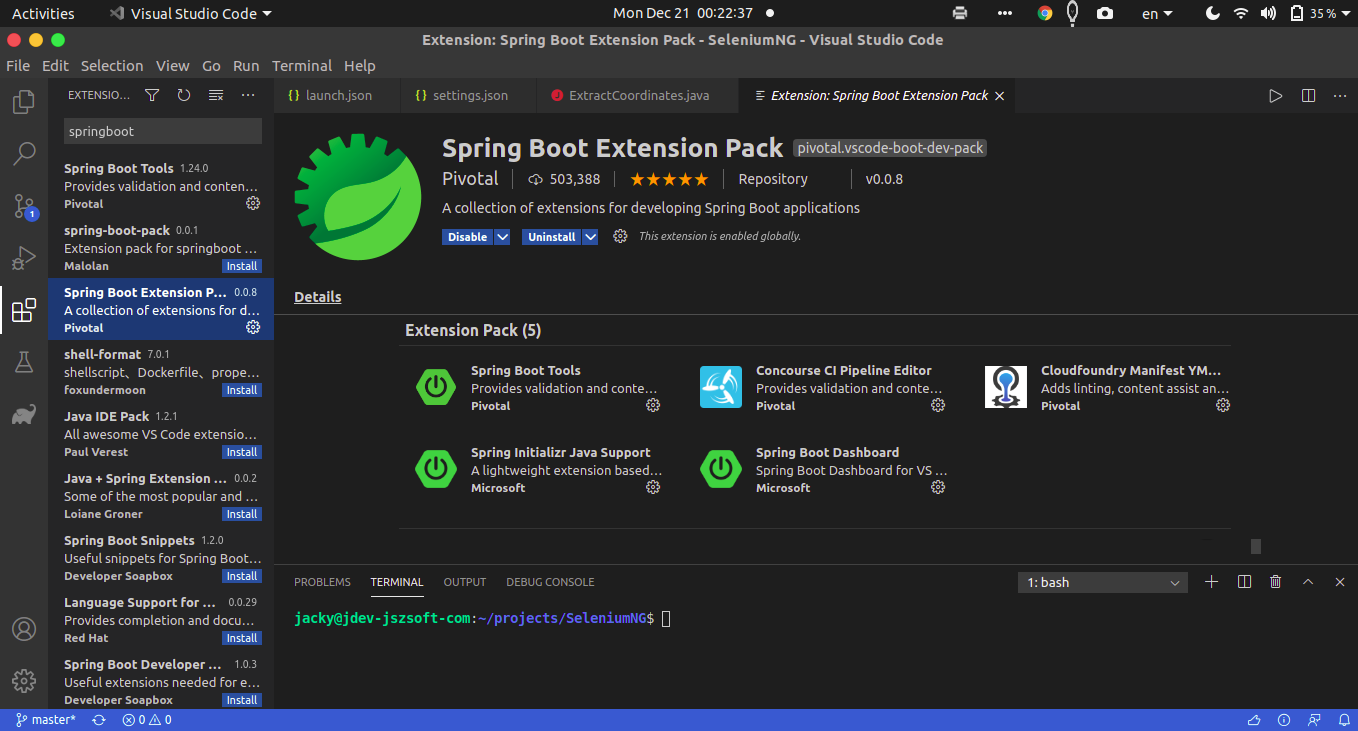
Then the Spring Boot Extension Pack.
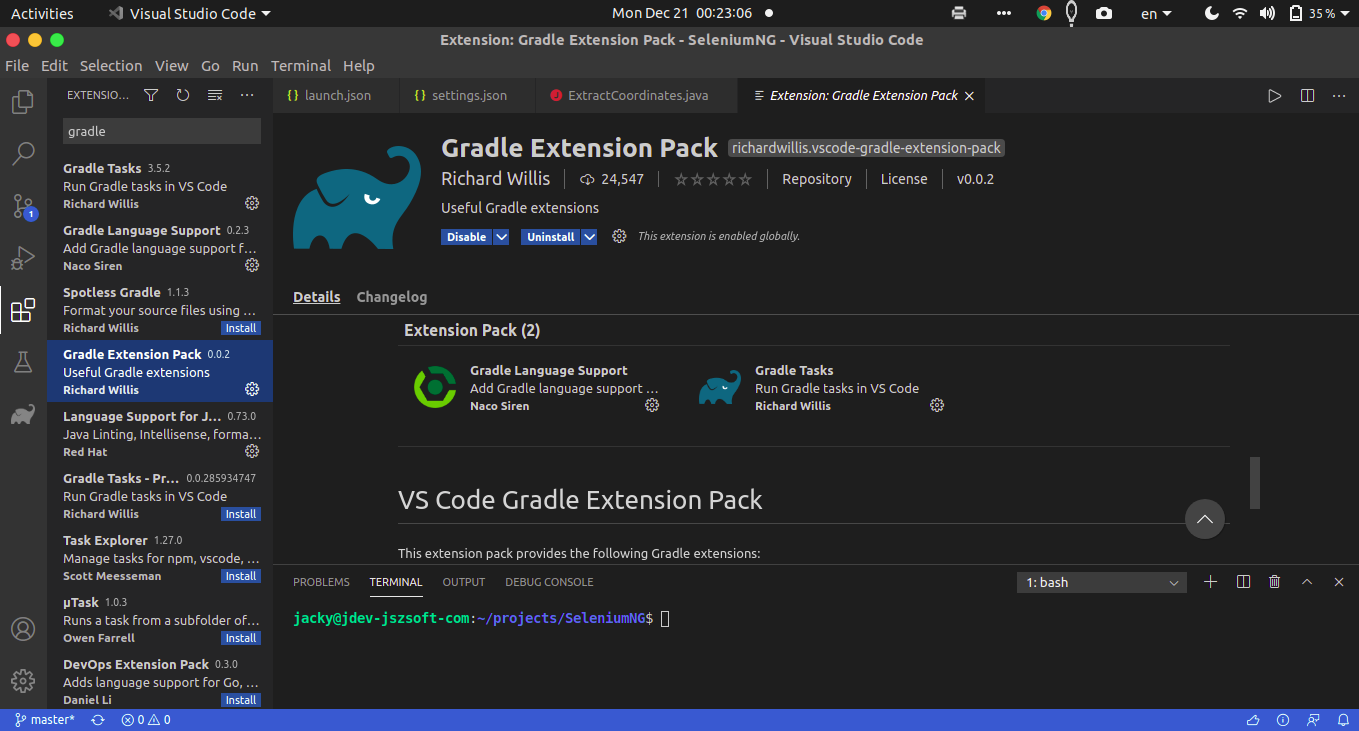
And the Gradle Extension Pack.
After install above extensions, you can open an existing java project. You will have some more views in your explorer panel. Java project view you can build and clean project. You can also specify build configuration. Springboot dashboard you can run or debug the java application.
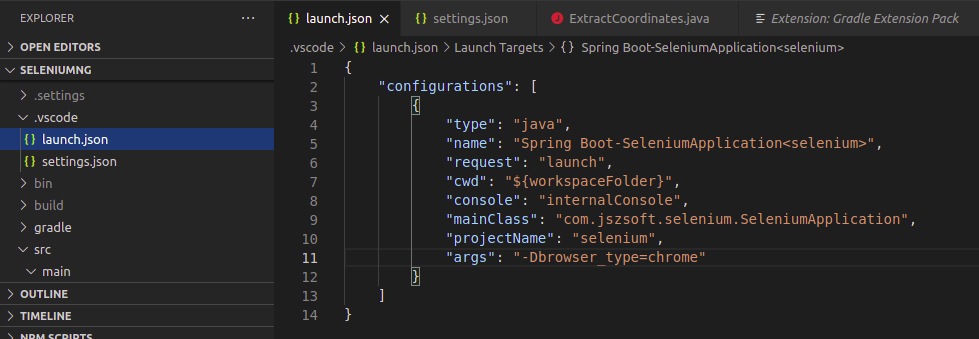
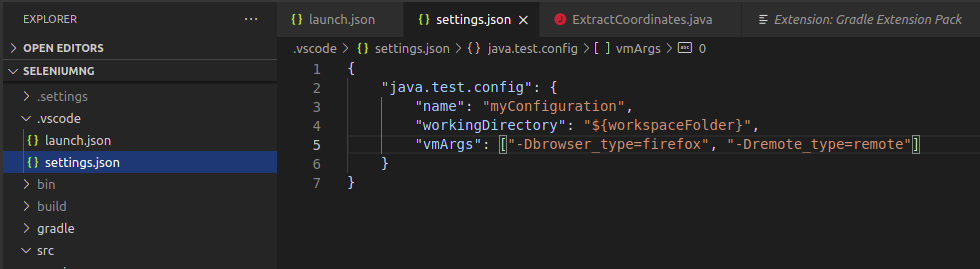
vscode using configuration file for launch options and test options. You can create them under .vscode folder under project root. You can provide java argument there like shown below.
You can also debug the application. Set breakpoints, inspect expression values.
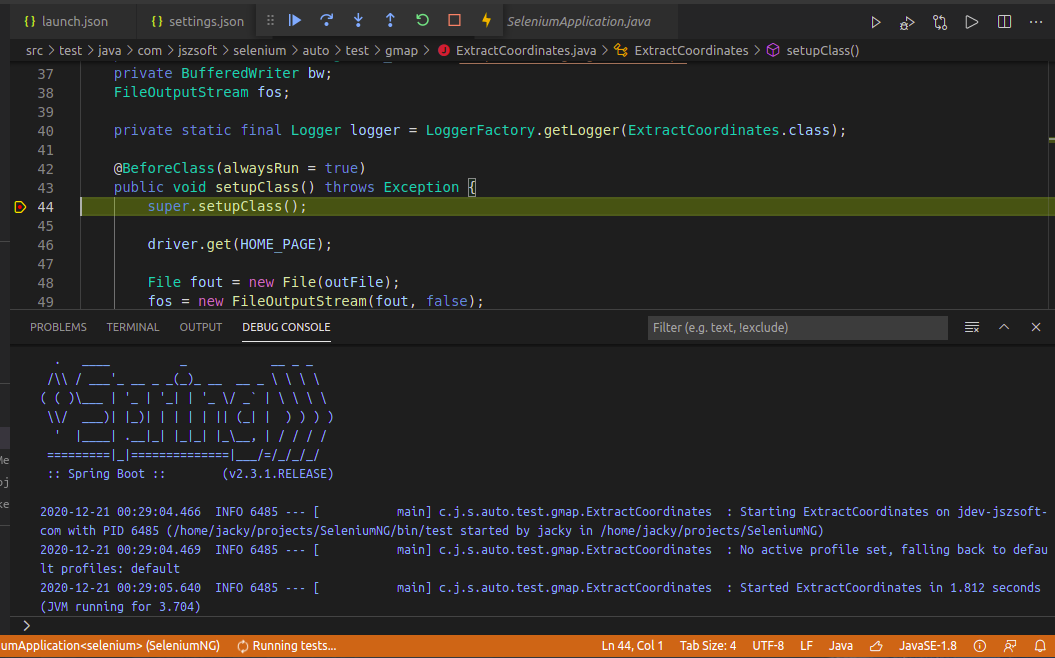
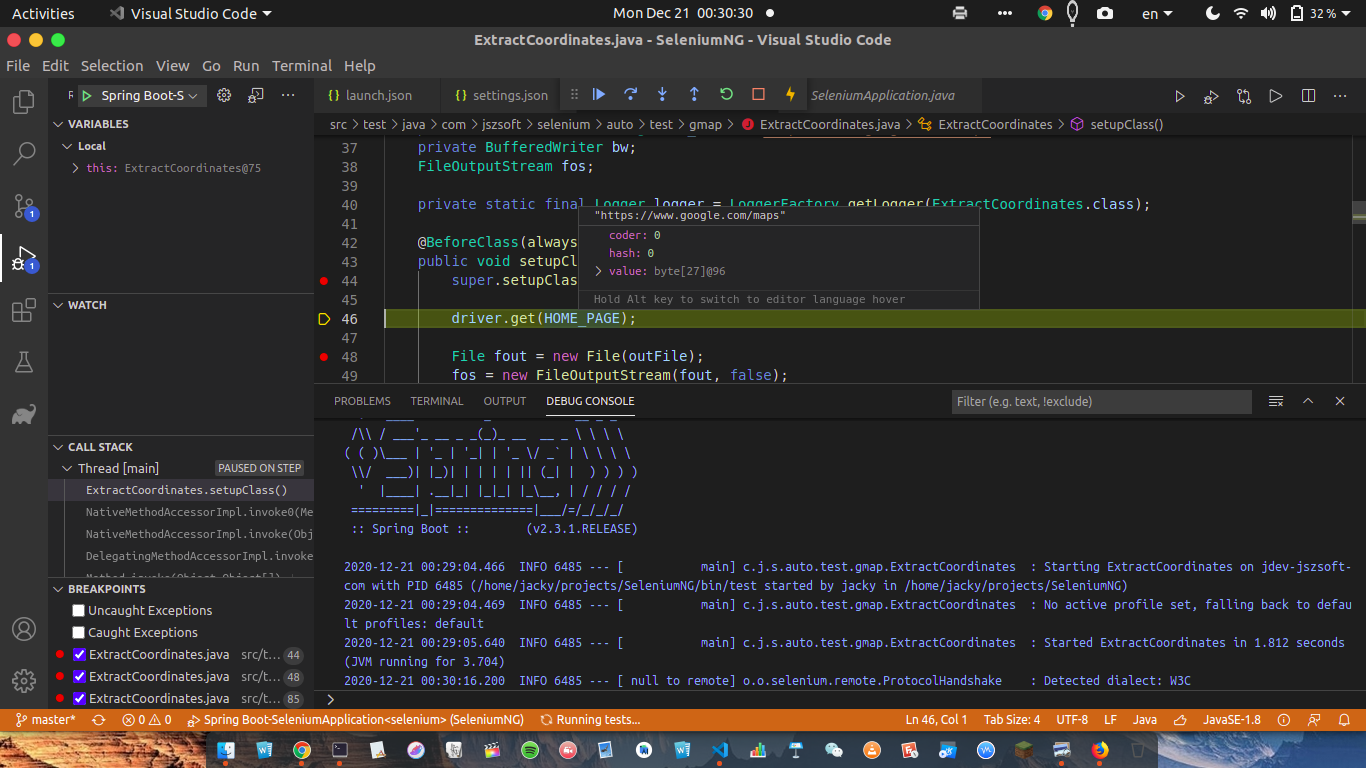
It’s pretty smooth when using vscode for java project. Been trying it the whole day. So far I like it for java projects. Will update later if find new feature.