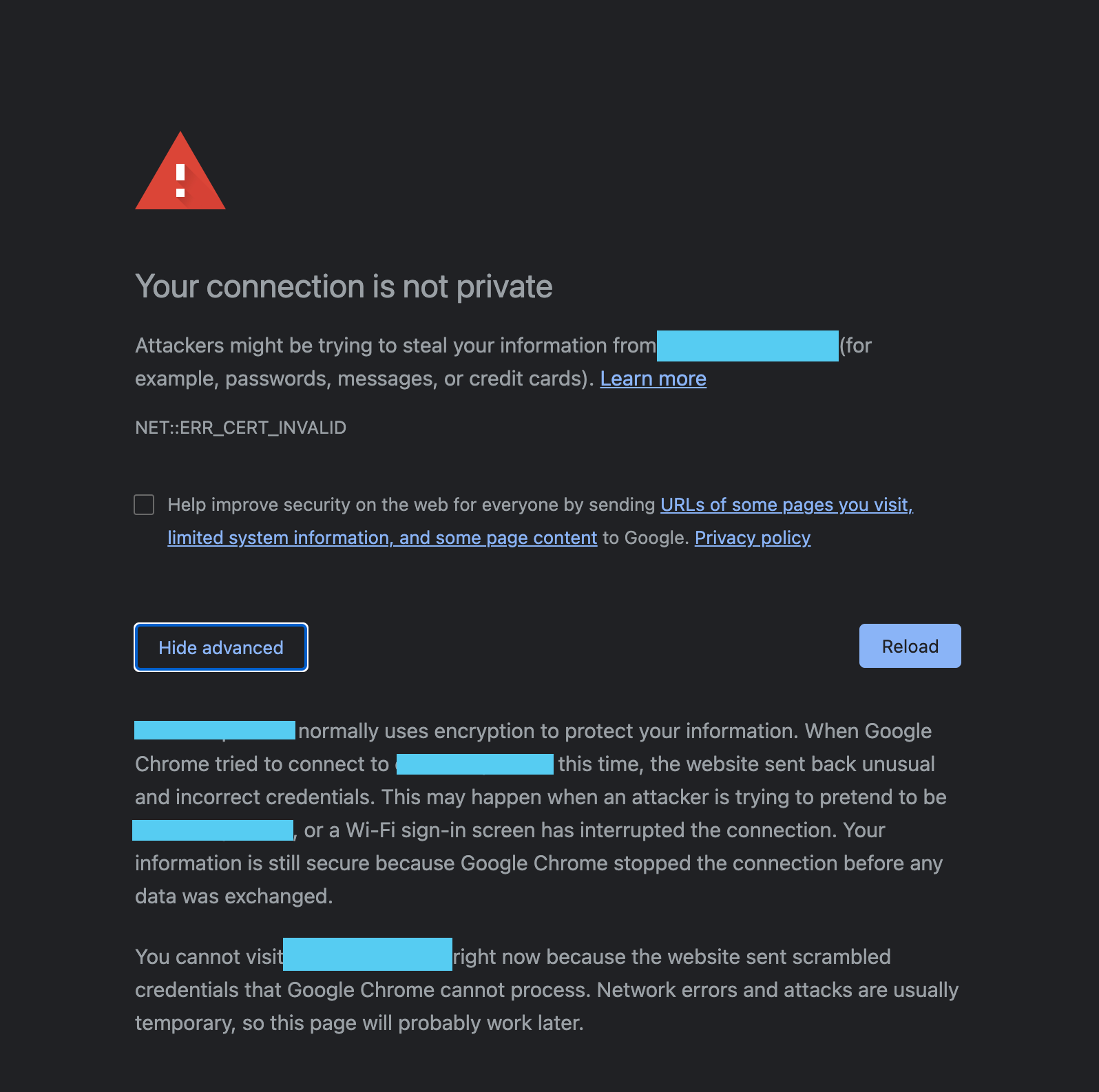
In Chrome, it validates the site’s certificate. If no certificate, or the certificate is not signed by the CA which Chrome consider legit, Chrome will block you from accessing the site. Giving you a warning screen. Even if you click “Advance”, sometimes there is no place you can bypass it. Sometimes you can see a hyperlink asking if you still want to access the site, if you click it, you can access. I have no clue why sometimes it doesn’t show you the link at all. In this case, you can just type thisisunsafe when you see below screen. You will be able to access the unsecured site.