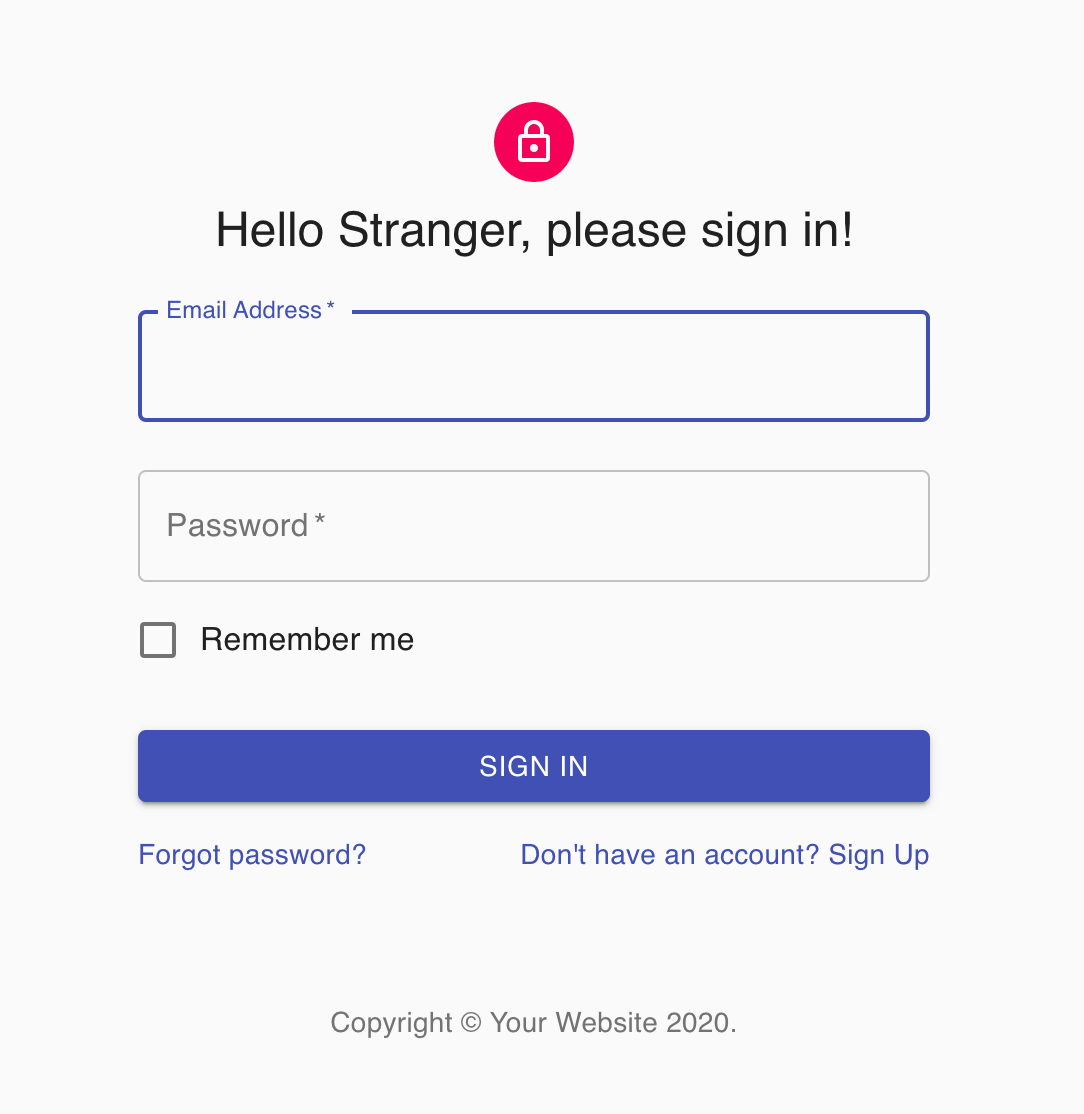
If you make a web site, most probably it’s dynamic. Dynamic means your web site needs to interact with backend such as database or web service. React is a popular javascript UI framework. After compile, it becomes static javascript files can be deployed to web server, like Nginx, Apache web server. Web server usually serves static content like javascript, html, css files. React can have API call to retrieve dynamic content. You need another application to handle the dynamic part. The application handles dynamic content can’t be deployed to web server. Usually can be springboot, or dynamic server in Tomcat or NodeJS. Do it this way you need two servers, which means you will need two URLs. If two URLs, then they need to be set up as CORS(Cross Origin Resource Sharing) enabled. So you have two servers and more things to maintain.
We can combine them together. Deploy to NodeJS server. Have the NodeJS server to serve both static and dynamic content together. Here it an example.
Create the React app. Code backend API call. Configure webpack to package the application.
const resp = await simpleRequest('/api/login', data, 'POST');

 ...

import axios from 'axios';

export function simpleRequest(endpoint, payload, method) {
 ...
Webpack configure to package to dist folder.
const outputDirectory = 'dist';

 ..

    output: {
      path: path.join(__dirname, outputDirectory),
      filename: 'myapp.[hash].js',
      publicPath: '',
    },
Package.json build command.
  "scripts": {
    "build": "webpack --config webpack.config.js --env.NODE_ENV=prod --mode=production",
    "start": "webpack-dev-server --config webpack.config.js --env.NODE_ENV=dev --mode=development --open",
    "test": "react-scripts test",
    "eject": "react-scripts eject"
  },
To create NodeJS code, create a folder called server, put all NodeJS code inside this folder.
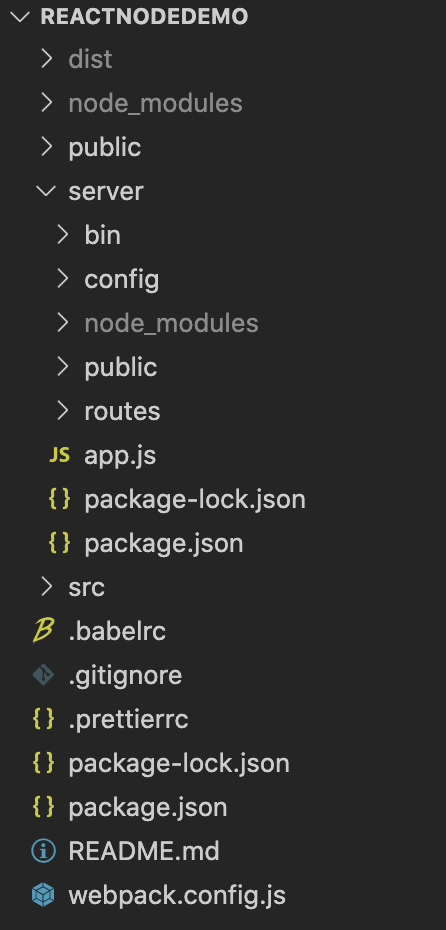
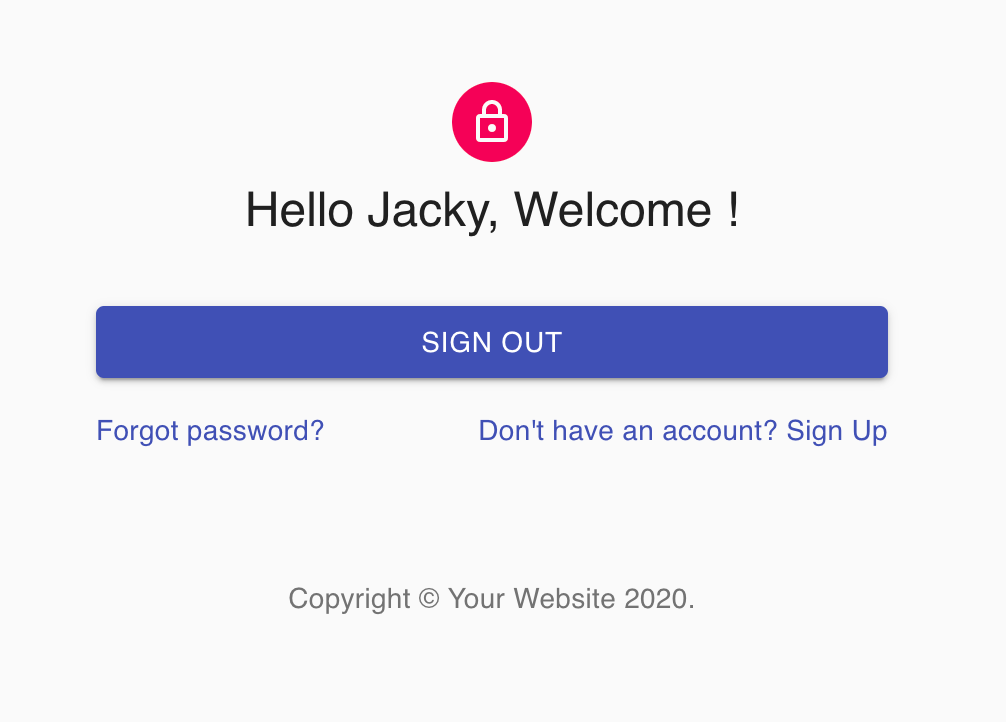
Configure NodeJS app to respond route /api, implement handler. In this demo, we have /api/login, /api/checksession and /api/clearsession to mimic the login logout logic. We save the session in Reids if is logged in. Application will show login id and shows logout button if it’s logged in. Otherwise will show the login screen.
app.use('/api', apiRouter);Configure NodeJS app handle static content, points to outside React package folder.
const buildPath = path.join(__dirname, '..', 'dist');
app.use(express.static(buildPath));
Below it’s the demo app screenshots. You can find the source code in Github jackyzsn/ReactNodeDemo.